
One cold morning, my truck wouldn’t start. The battery was dead, and I had places to be. That’s when the NOCO Boost HD GB70 came to the rescue. Since then, I’ve relied on it more times than I can count. Knowing how NOCO Boost HD GB70 charging works can save you time and stress—especially when you’re stuck. In this guide, I’ll show you how to charge it, how long it takes, and what to do if something goes wrong. I’ll also share a few tips I’ve picked up along the way. Let’s get into it.

Introduction – Why I Trust the NOCO Boost HD GB70
One cold morning, my truck wouldn’t start. The battery was dead. I had to get to work. That’s when the NOCO Boost HD GB70 saved the day. I clipped it on, hit the power, and my engine started right up. It took less than a minute.
Since then, I’ve used it many times. It’s strong, simple, and works fast. With 2000 amps, it can jump-start big trucks and SUVs. It also works as a flashlight and a power bank. I keep it in my truck at all times.
If you’ve ever been stuck with a dead battery, you know the stress. That’s why learning how NOCO Boost HD GB70 charging works is so helpful. In this guide, I’ll show you how to charge it, how long it takes, and how to tell when it’s ready. I’ll also share some tricks that helped me when things didn’t go as planned.
Let’s get started so you can be ready anytime, anywhere.
How to Charge the NOCO Boost HD GB70
Charging your NOCO Boost HD GB70 is quick and easy—once you know what to do. It doesn’t take fancy tools or tech skills. You just need the right cable and a few minutes to get it started.
Step-by-Step Charging Instructions
First, find the charging port on the GB70. It’s a small round port under the rubber flap. Plug in your USB-C cable or the 12V charger that came with the unit. If you’re at home, the USB cable into a wall plug works fine. On the go, the 12V plug in your car’s outlet charges it faster.
Once plugged in, look at the lights. A red light means it’s charging. If it blinks, that’s a good sign—it shows progress. When the light turns solid green, it’s full. That’s when you know it’s ready to go.
Always make sure the cable is snug. If it feels loose or wobbles, try a different one. I’ve had a few off-brand cables that didn’t work well.
NOCO GB70 Charging Time
How long does it take to charge the NOCO Boost HD GB70? That depends on how low the battery is and what charger you’re using. With the USB-C cable, it can take 6 to 7 hours from empty. If you use the 12V plug in your car, it’s much faster—around 3 hours.
The best way to speed it up? Use a higher-watt wall adapter. I use a 60W one, and it cuts down charge time. Also, don’t charge it in extreme cold. That slows things down.
NOCO GB70 Charging Lights: What They Mean
The LED lights on the GB70 are like a cheat code for checking the charge. A solid red light means it’s still charging. If it’s blinking red, the battery is almost full. When it turns green and stays that way, it’s done.
Not sure if it’s working? Unplug it and plug it back in. If the light comes on right away, you’re good. If nothing lights up, try another charger or cable. That’s saved me more than once.
How to Know When Your NOCO Boost GB70 Is Fully Charged
Look for the green light. That’s how you know your NOCO Boost HD GB70 is fully charged. A solid green light means it’s done. If the light is red or blinking, it’s still charging. Don’t unplug it yet.
Most of the time, charging takes 3 to 7 hours. It depends on how low the battery is and which charger you use. The 12V car plug is faster—about 3 hours. A USB wall plug is slower. That can take 6 to 7 hours.
I like to charge mine overnight. In the morning, I check the light. If it’s green, I know I’m good to go. But here’s a tip: I sometimes use a USB meter or multimeter to double-check. Once, I thought it was full because the light blinked green. But it wasn’t solid yet. That meter showed it was still at 90%. So now I always wait for the solid green light.
Just remember: solid green means full charge. Blinking means still charging. Red means it’s low. Use the right charger. Avoid charging in extreme cold. Always check the light before putting it away.
That green light might seem small—but it can save your day.
How to Recharge the NOCO Boost GB70 Safely
Want your NOCO Boost GB70 to last a long time? Charge it the right way. It’s easy, but there are a few things to watch out for.
The best way to charge your NOCO GB70 is with the cable it came with. Use the USB wall plug at home or the 12V car port when you’re out. I use the car port when I drive—it’s fast and works great.
Avoid bad cables. I once used a cheap one from the gas station. Nothing happened. No lights. No charge. Stick with high-quality cables that fit tight. If it feels loose, try another one.
Don’t overcharge it. Once the green light turns on, unplug it. Leaving it plugged in too long doesn’t help. It can hurt the battery over time. Trust me, I’ve learned the hard way.
You can use a solar charger too, but it’s slow. It works best in full sun. I used one on a camping trip. It took hours, but it got the job done. Wall outlets or car ports are still faster.
Here’s a big tip: Charge it every 4 to 6 months, even if you don’t use it. I set a reminder in my phone. That way, it’s always ready when I need it. A dead jump starter won’t help you.
So here’s the deal: Use the right cable. Unplug it when it’s done. Charge it now and then. That’s all it takes to keep your NOCO GB70 in top shape.
NOCO Boost HD GB70 How to Use It in Real Life
Jump Starting a Vehicle
Jump-starting with the GB70 is fast and easy. First, open the hood. Clip the red clamp to the battery’s plus side. Clip the black clamp to a metal bolt or frame. Then press the power button. That’s it. The lights will tell you it’s ready.
Now, start the engine. Most times, it starts right away. It feels like magic.
If the battery is very dead, press the override button. It gives an extra push to start the car. I’ve used this a few times. It worked every time—but don’t leave it on too long.
One day, a stranger asked for help. His SUV was dead. I used my GB70, and it started in seconds. He looked shocked. That’s when I knew how powerful this thing really is.
You can jump-start most cars and trucks in less than a minute.
Using It as a Power Bank
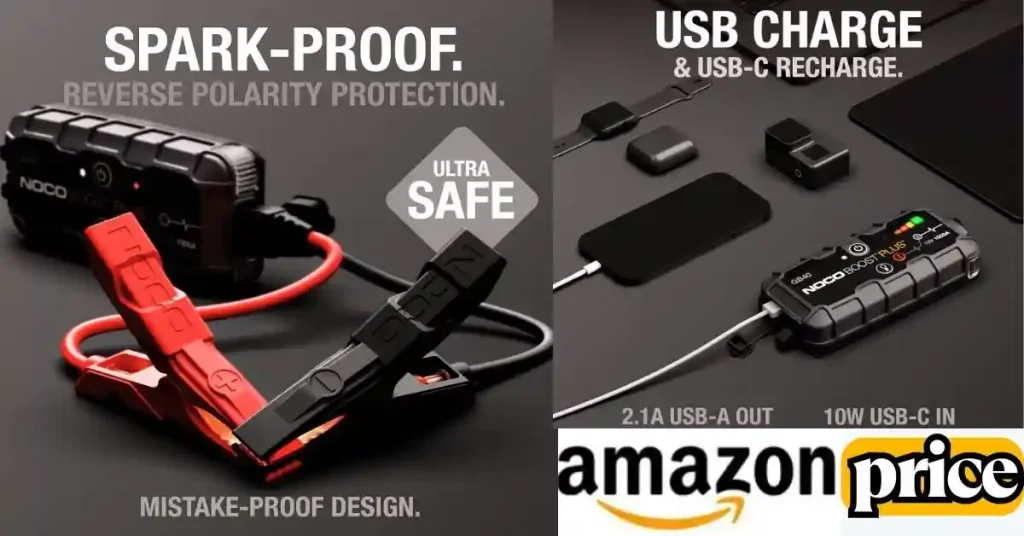
The GB70 also charges your phone or tablet. Just plug your device into the USB port. It works just like a wall charger.
I used it on a trip to charge my phone. It was fast and easy. Once, I even powered a small fan during a power outage. The GB70 didn’t run out of juice.
Use a good USB-C cable for best results. Some cheap ones don’t work well. I learned that the hard way.
It’s like having a backup battery in your glove box.
Using the Flashlight Modes
The built-in flashlight is super handy. I thought it was just a bonus feature—until I needed it.
One night, I had a flat tire. No street lights. I turned on the GB70 light, and it lit up the whole area.
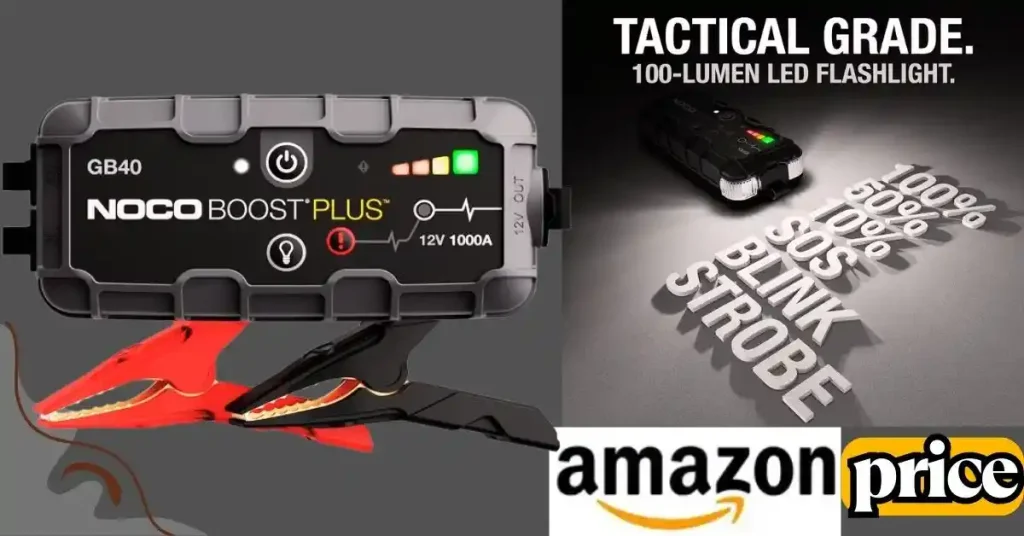
You can choose from different light modes. There’s a steady light, a strobe, and even an SOS signal. I used SOS once when my car broke down. It helped another driver see me and stop.
The light is strong enough to help in any dark spot—engine bay, roadside, or campground.
👉🏿👉🏻 Check Latest Price and Offer at Amazon 👈🏻👈🏿
Troubleshooting NOCO Boost HD GB70 Charging Problems
Common NOCO GB70 Charging Issues
Sometimes things go wrong. Even with a good tool like the NOCO Boost HD GB70, problems can happen. I’ve run into a few myself.
It won’t charge at all. You plug it in—nothing happens. No lights. No power.
It gets stuck on one light. Maybe it blinks red forever. Or the green light never comes on.
It doesn’t hold a charge. You charge it up. But a few days later, the battery is low again.
These are the most common NOCO Boost HD GB70 charging problems. But don’t worry. Most of them are easy to fix.
If your GB70 won’t charge, check the cable and try a reset. These steps fix most issues fast.
Solutions That Worked for Me
Here’s what worked for me—quick and simple.
Try a reset. Unplug everything. Hold the power button for 10 seconds. Let go. Wait a bit. Then plug it back in. This worked when my GB70 froze once during winter.
Swap the cable or charger. Bad cables are a pain. One time, I used a cheap cable, and it didn’t charge at all. I switched to a better one, and boom—it worked.
Check the adapter. Wall plugs can go bad too. I use a fast charger at home and a 12V one in my truck. Both work great. But once, my wall adapter stopped working, and I didn’t even notice at first.
Still not working? Contact NOCO. Their support team is solid. And the GB70 has a warranty. You can check it here. I used it once, and they helped me right away.
A quick reset or a new cable often brings your NOCO GB70 back to life.
NOCO GB70 Review: Is It Worth It?
Yes—the NOCO Boost HD GB70 is worth it. I’ve used mine for over a year, and it’s saved me more times than I can count. It’s not just for jump-starts. It’s also a flashlight and power bank in one. For me, it’s peace of mind in a box.
Let’s break it down.
What I Love About the GB70
It just works. When your battery dies, you don’t want guesswork. You want power—and fast. That’s what the GB70 gives you. One time, I was late for work. My truck wouldn’t start. I clipped on the GB70, hit the power, and boom—engine roared to life. I made it on time.
It’s built tough. The clamps are strong. The case is solid. I’ve dropped mine more than once. Still works like new.
It charges my phone too. On a road trip, I used it to keep my phone and tablet going. I didn’t need to look for a wall outlet once.
What Could Be Better
It’s not small. The GB70 takes up some space in your glove box or truck. But honestly, I’d rather have it and not need it than be stuck without it.
Also, charging it takes time. If you use a wall plug, expect 6–7 hours. But with a car’s 12V port, it’s faster.
Still, that’s a small trade-off for what it does.
GB70 vs. GB40: Which One Should You Get?
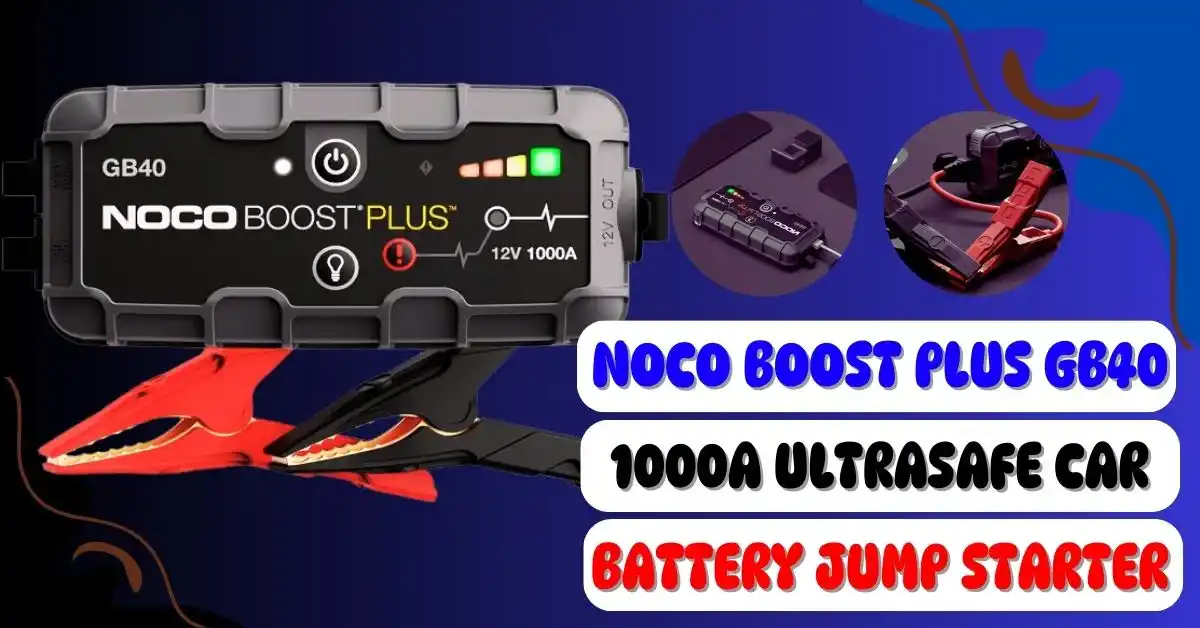
If you drive a small car, the NOCO Boost Plus GB40 might work fine. It’s lighter and cheaper. But for trucks, SUVs, or bigger engines, go with the GB70. It has 2000 amps and handles gas and diesel engines with ease.
I once helped a guy jump-start his pickup truck. He had a GB40, but it couldn’t do it. My GB70 did it in seconds.
Who the GB70 Is Best For
If you drive a big vehicle, this is for you. It’s perfect for:
- Truck drivers
- RV owners
- Weekend campers
- Road trippers
- Commuters in cold weather
Honestly, if you’ve ever had a dead battery, you know the stress. The GB70 takes that stress away. It’s like carrying a backup plan everywhere you go.
NOCO GB70 for Sale: Where to Buy It and What to Look For
Short Answer (Snippet-Friendly):
You can buy the NOCO Boost HD GB70 from trusted stores like Amazon, NOCO’s site, AutoZone, and Walmart. Always check for warranty, sealed box, and the right cables before you buy.
Where to Buy the NOCO GB70 (Without the Guesswork)
So, where do you buy the GB70 and know it’s real?
I’ve been there—scrolling page after page. I kept asking, Is this a real one? Or a fake that quits when I need it most?
Here’s what I found: stick to trusted spots.
Amazon is solid—just make sure it’s sold by NOCO or shipped by Amazon. You can also check NOCO’s site, AutoZone, Advance Auto Parts, or Walmart. These places sell new units with a real warranty.
I got mine from Amazon. It came fast, and the box was sealed. No weird surprises.
What to Check Before You Buy
Short Answer:
Make sure it’s sealed, comes with all parts, and has a real warranty. Skip used or open-box ones unless the seller is known.
Buying online can feel like a guess. But you can avoid stress by checking a few things:
- Is the box sealed? If it looks beat up or opened, skip it.
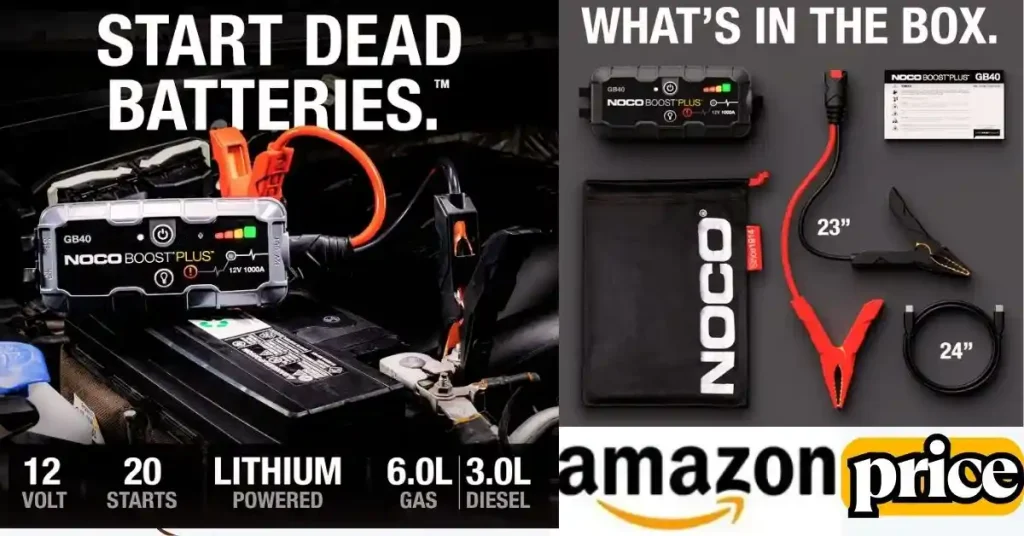
- Does it come with all parts? You should get strong clamps, a 12V charger, a USB cable—and maybe a soft bag.
- Is there a warranty? NOCO gives a 1-year limited one. No serial number or info? It may be fake.
Also, don’t fall for prices that seem way too low.
I saw one for $50 less once. Turned out, it was used and didn’t even have a charger. Not worth the risk.
Pro Tip (From Someone Who’s Bought One)
If you don’t need it now, wait for a sale.
Black Friday, Prime Day, or a random deal might save you $20 or more. I did that—set a price alert, waited a week, and boom. That’s lunch and coffee for two days.
Whether you’re buying peace of mind or a gift for someone who’s always got a dead car, make sure it’s the real GB70. It’s built to last. So the place you buy it from should be, too.
👉🏿👉🏻 Check Latest Price and Offer at Amazon 👈🏻👈🏿
FAQs: Quick Answers to Common NOCO GB70 Charging Questions
How long does it take to charge a NOCO Boost HD GB70?
It takes about 3 to 7 hours. If you use the 12V fast port, it charges in 3 hours or less. A USB charger takes longer—up to 7 hours. I just plug it in before bed. It’s full by morning.
How do I know when my NOCO Boost is fully charged?
Look for the green light. When it stops blinking and stays solid, your GB70 is full. That’s when I unplug it and toss it back in the car.
What do the lights mean while charging?
Red light means it’s charging. Blinking red or green shows progress. A solid green light means it’s full. That’s your go sign!
What if my NOCO Boost HD GB70 isn’t charging?
Try a new cable or charger first. I had one that went bad and caused this. You can also press and hold the power button for 10 seconds to reset it. That worked for me.
Can I use it while it’s charging?
It’s better not to. I don’t use mine while it charges. It’s safer to wait. Once full, it gives you max power.
Final Thoughts: Why I Always Keep My GB70 Charged and Ready
Let me be real. A dead battery can ruin your day fast. That’s what happened to me last winter. It was cold, snow was falling, and my truck wouldn’t start. I was stuck in my driveway with no time to spare. But I had my NOCO Boost HD GB70 in the back seat—charged and ready. I hooked it up, hit the button, and boom. The engine came to life.
That moment sold me. Now I always keep my GB70 charged. Keeping your NOCO Boost HD GB70 charging on a regular schedule is the best way to stay ready. Even if you don’t use it, give it a top-up every 4 to 6 months.
It’s like having a flashlight during a power outage. You don’t think about it—until you really need it. And when you do, it better work. That’s why I treat my GB70 like gear I can’t afford to forget.
Tip: Use a 12V plug if you want to charge it fast. It doesn’t take long, and the peace of mind is worth it.
Don’t wait until you’re stranded. Charge it now, stash it in your car, and forget about it—until it saves the day.
🔚 Call-to-Action
Still stuck? Battery dead again? Or maybe your NOCO Boost HD GB70 charging just isn’t going as planned?
Don’t sweat it—I’ve been there too. I’ve dealt with blinking lights, slow charges, and even that annoying moment when it just won’t turn on. And I know how frustrating that can be when you’re in a rush or stuck in the cold.
So here’s the deal: if you’ve got a question, hit me up. Drop a comment or send a quick message. I’ll do my best to help you figure it out—no tech jargon, just real answers that work.
Because at the end of the day, we’re all just trying to keep things moving. And trust me, there’s nothing better than knowing your GB70 is ready when you need it.
To Get More About Car Accessories Product You Can Visit Our Site. If You Found our Posts Helpful Leave a Comment Below