
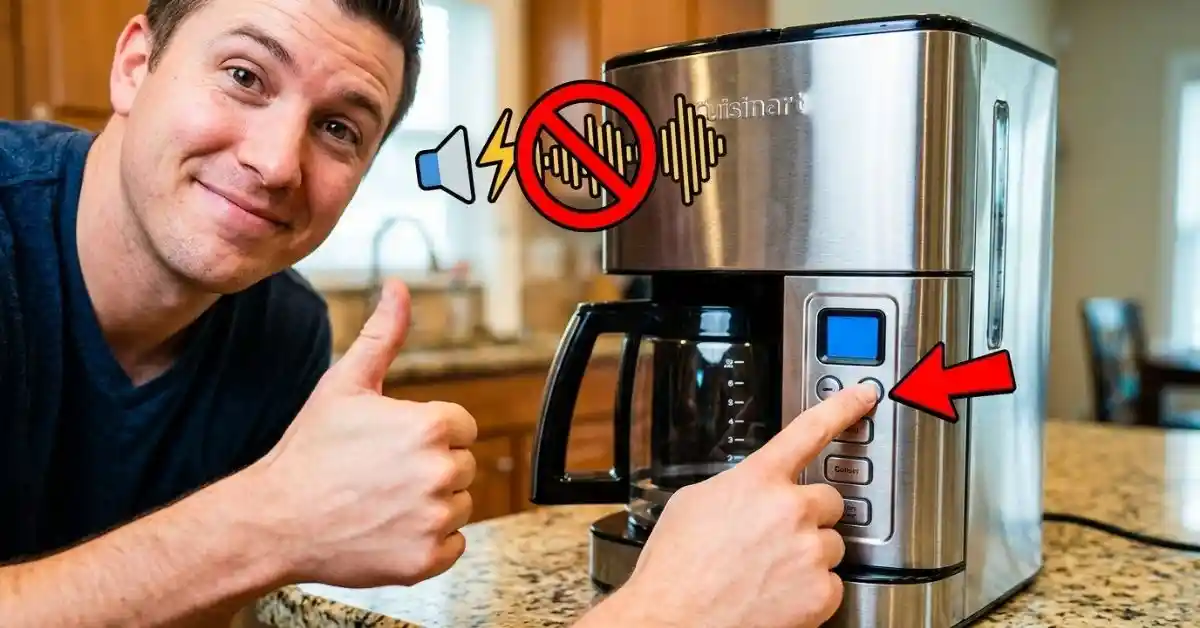
If your Cuisinart coffee maker keeps beeping, it can get annoying fast. I know the feeling. A coffee maker should make mornings easier, not add a loud beep to the start of the day. The good news is that most beeping issues are simple to check.
In this guide, I’ll show you how to stop a Cuisinart coffee maker from beeping fast and easy. I’ll cover what the beeps can mean, what to check first, and when the sound may be part of the normal brew cycle.
Why Is My Cuisinart Coffee Maker Beeping?
The first thing I learned is that not every beep means there is a fault. Some Cuisinart coffee makers beep to show that a button was pressed, the brew cycle is done, or the machine needs attention.
The number and timing of the beeps can help point to the cause. So, before taking anything apart, listen to when the sound happens.
| Beeping symptom | Likely cause |
| Beeps after brewing | Normal end-of-brew alert |
| Beeps when starting | Lid, carafe, or setting issue |
| Repeated beeps | Water, filter, or setup problem |
| Random beeps | Button or control issue |
On some models, the beeping sound can be changed or turned off. On others, the sound is built into the controls and cannot be fully disabled.
That model difference matters more than many quick online tips suggest.
How to Stop a Cuisinart Coffee Maker from Beeping
The fastest way to fix the problem is to start with the easy checks. I would not reset the machine or try to open it right away.
Start with the carafe, water tank, filter basket, and control panel. These parts cause many simple setup issues.
Check the Carafe First
A carafe that is not sitting in the right spot can cause trouble on some models. The machine needs the carafe in place so coffee can flow into it.
Take the carafe out. Then place it back on the warming plate or in its holder. Make sure it sits flat.
| Check | What to do |
| Carafe position | Seat it firmly |
| Carafe lid | Make sure it is closed |
| Brew basket | Make sure it is in place |
This is one of those small checks that is easy to skip. I used to assume that if the carafe looked right, it was right. That is not always true.
Check the Water Level
Next, look at the water tank. Make sure there is enough water for the brew cycle you selected.
Do not rely only on how much coffee you want. Check the water markings on the machine. If the tank is low, add fresh water and try again.
If the machine starts beeping right after you press Brew, a water or setup issue is worth checking before anything else.
Reseat the Filter Basket
The filter basket also needs to sit correctly. If it is tilted or not fully seated, the machine may not work as expected.
Remove the basket and filter. Check for loose coffee grounds around the rim. Then put the basket back in place.
A paper filter that folds over the edge can also cause problems. Keep the filter flat inside the basket.
Can You Turn Off the Beeping on a Cuisinart Coffee Maker?
Yes, some Cuisinart coffee makers let you turn off or adjust the audible tone. But this is not true for every model.
This is where I would avoid guessing. Cuisinart has many coffee maker models, and their controls are not all the same.
| Coffee maker feature | What to expect |
| Adjustable tone setting | Beeps may be changed or muted |
| Fixed alert | Sound may not be removable |
| Older control panel | Options may be limited |
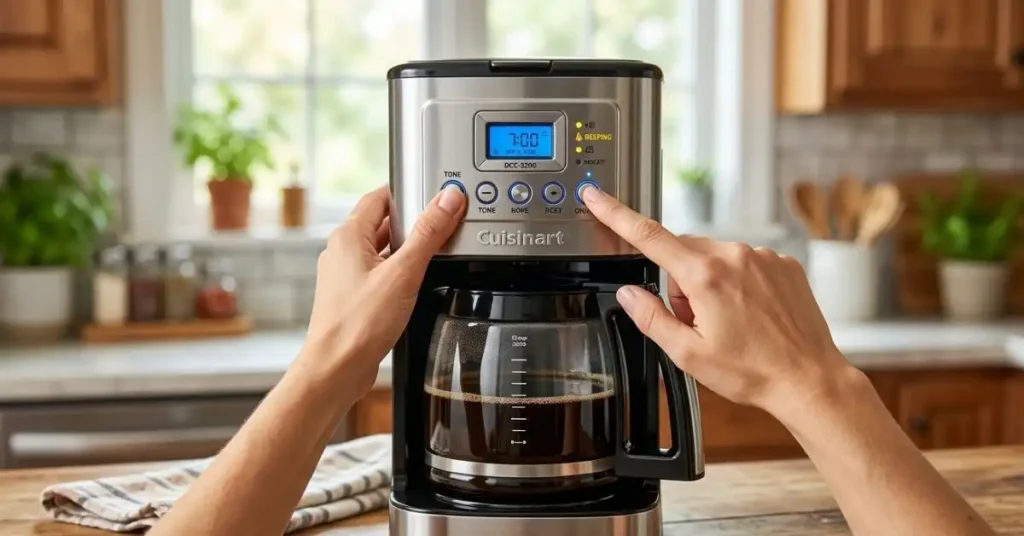
If your model has a tone, sound, or audible signal setting, check the manual for the exact steps.
Do not assume that a button combination from one Cuisinart coffee maker will work on another. That was one of the easiest mistakes to make when I looked into these controls.
Look for a Tone or Sound Setting
Check the control panel and manual for words such as:
- Tone
- Audible signal
- Sound
- Beep
- Ready alert
Some machines use a setting button. Others may use a combination of buttons.
If there is no sound option in the manual, the beeping may be fixed by design.
What If the Cuisinart Beeps During Brewing?
A beep during brewing can mean something different from a beep at the end. That timing is important.
If the machine beeps once when you press a button, it may simply be confirming the command. If it keeps beeping, check the setup.
| When it beeps | Best first check |
| When pressing Brew | Carafe and basket |
| During brewing | Water and lid |
| At the end | Normal alert setting |
| Without using it | Control panel and power |
I would also watch the display. If you see an error message, blinking light, or unusual symbol, check the manual for that model.
The display can tell you much more than the sound alone.
Easy Reset: The Step I Try Before Anything Else
If everything looks right but the coffee maker still keeps beeping, try a simple power reset.
Turn the coffee maker off. Unplug it from the wall. Wait for a few minutes. Then plug it back in and set the clock if needed.
| Reset step | Action |
| 1 | Turn the machine off |
| 2 | Unplug it |
| 3 | Wait a few minutes |
| 4 | Plug it back in |
| 5 | Test a normal brew |
This can clear a small control glitch. It will not fix a damaged part, but it is quick and safe to try.
One thing I would avoid is repeatedly pressing buttons while the machine is acting oddly. Give it a clean reset first.
Could Mineral Buildup Cause the Beeping?
It can contribute to poor operation, especially if the coffee maker also has slow flow, strange sounds, or a longer brew time.
Mineral buildup can collect inside a coffee maker over time. This is more likely when you use hard water.
However, I would not assume that every beep means the machine needs descaling. The beep may be a normal alert or a control issue.
Signs Your Coffee Maker Needs Cleaning
Look for several signs together.
| Sign | What it may suggest |
| Slow brewing | Mineral buildup |
| Weak flow | Blocked water path |
| Odd taste | Dirty machine |
| Longer brew time | Scale or buildup |
Follow the cleaning instructions for your exact Cuisinart model. Use the method and cleaning solution recommended for that machine.
Do not pour random cleaners into the water tank. A coffee maker has small water paths, valves, and heating parts that need proper care.
What I Would Check Before Buying a New Coffee Maker
A beeping coffee maker does not always mean it is ready for the trash.
In fact, replacing the machine should be one of the last things you consider. A loose basket, low water level, wrong setting, or simple control glitch may be all that is wrong.
Here is the order I would use:
| Priority | Check |
| 1 | Carafe position |
| 2 | Water level |
| 3 | Filter basket |
| 4 | Display and settings |
| 5 | Power reset |
| 6 | Cleaning needs |
This order saves time because it starts with things you can check in less than a minute.
It also helps you avoid changing settings before you know what caused the beep.
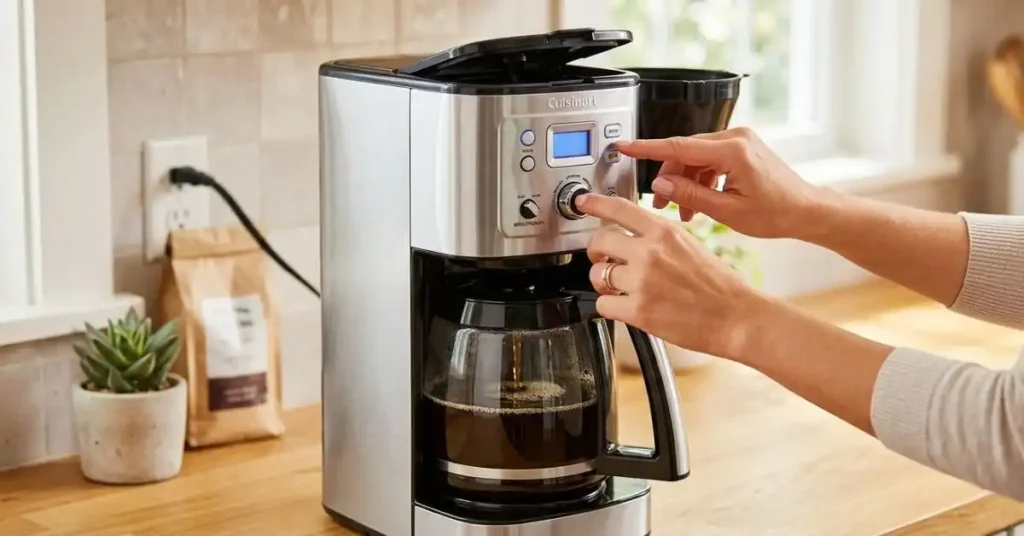
Common Mistakes That Can Make the Problem Worse
There are a few things I would not do when trying to stop a Cuisinart coffee maker from beeping.
Do Not Ignore Repeated Beeps
A single beep at the end of a brew cycle may be normal. A machine that keeps beeping for no clear reason deserves more attention.
Look at the display and check the setup first.
Do Not Force the Parts
If the basket or carafe does not fit, do not push it into place. Remove it and check for coffee grounds, a stuck part, or incorrect placement.
Forcing a plastic part can turn a small setup issue into a broken part.
Do Not Guess at Button Combinations
This is a big one.
A tip that works on one Cuisinart model may not work on yours. Coffee makers can have different control layouts and sound settings.
| Mistake | Better approach |
| Guessing button codes | Check the model manual |
| Repeatedly pressing buttons | Reset the machine |
| Ignoring the display | Check for alerts |
| Opening the machine | Try basic checks first |
The model number is usually the best clue. If you need exact instructions, use that model number when checking the manual.
How to Tell Normal Beeps From a Real Problem
This is perhaps the most useful thing to know.
If your Cuisinart coffee maker gives a short beep after the brew cycle, that may simply be its way of telling you the coffee is ready.
If it beeps over and over, refuses to brew, or shows another warning, that is different.
A simple pattern can help:
One normal beep + normal brewing = likely an alert.
Repeated beeps + no brewing = check the machine.
Beeping + display warning = follow the model instructions.
This simple check can save a lot of needless troubleshooting.
What If the Beeping Still Won’t Stop?
If you have checked the carafe, water, filter basket, settings, and power reset, the next step is to identify the exact model.
Find the model number on the coffee maker or its paperwork. Then check the owner’s manual for sound settings and troubleshooting steps.
If the manual does not offer a way to mute the sound, the beep may be part of the machine’s normal design.
| Situation | Next step |
| Machine works normally | Check if sound can be muted |
| Machine will not brew | Follow troubleshooting steps |
| Beeps with an error | Check the model manual |
| Beeps after a reset | Consider service |
If the machine is still under warranty, I would contact Cuisinart before trying to repair the internal controls yourself.
Opening the machine can create more problems and may affect warranty coverage.
A Simple Routine That Helps Prevent Coffee Maker Problems
Once I got used to a few small habits, coffee maker problems became much less common.
I keep the water tank clean, remove old coffee grounds, and wash the removable parts on a regular basis. I also make sure the carafe and brew basket are seated correctly before starting a cycle.
It takes very little time.
| Habit | Why it helps |
| Clean the basket | Reduces buildup |
| Empty old grounds | Keeps parts clean |
| Use fresh water | Helps coffee taste better |
| Check the carafe | Helps proper brewing |
I also try not to treat every odd beep as a serious fault. First, I check what the machine is doing. Then I look at the display. That small habit makes troubleshooting much easier.
Final Thoughts
Learning how to stop a Cuisinart coffee maker from beeping fast and easy starts with finding out why it is beeping. Check the carafe, water, filter basket, settings, and display first. Then try a simple power reset.
The main lesson is not to rush. A beep does not always mean something is broken. If the machine brews well and only gives a normal end-of-cycle alert, the sound may simply be part of its design.
If the beeping is constant or comes with a brewing problem, use the model number and manual for the right fix. That is safer and far more useful than trying random button combinations.
FAQ
1. Why is my Cuisinart coffee maker beeping?
A Cuisinart coffee maker may beep when brewing ends or when a part is not set right. Check the carafe, water tank, filter basket, and display first.
2. How do I stop my Cuisinart coffee maker from beeping?
Check your Cuisinart coffee maker manual for a tone or sound setting. Some models let you mute the beep, while others keep the alert as a set feature.
3. Why does my Cuisinart coffee maker beep but not brew?
A low water level, loose carafe, or filter basket may stop a Cuisinart coffee maker from brewing. Check each part, then unplug the machine for a few minutes.
4. Can I reset a beeping Cuisinart coffee maker?
Yes. Turn off the Cuisinart coffee maker, unplug it, and wait a few minutes. Plug it back in, set the clock if needed, and test a new brew cycle.
5. Does every Cuisinart coffee maker let you turn off the beep?
No. Beep settings vary by Cuisinart coffee maker model. Check the owner’s manual to see if your machine has a tone, sound, or alert setting.
To Get More About Home, Home and Kitchen Product You Can Visit Our Site. If You Found our Posts Helpful Leave a Comment Below