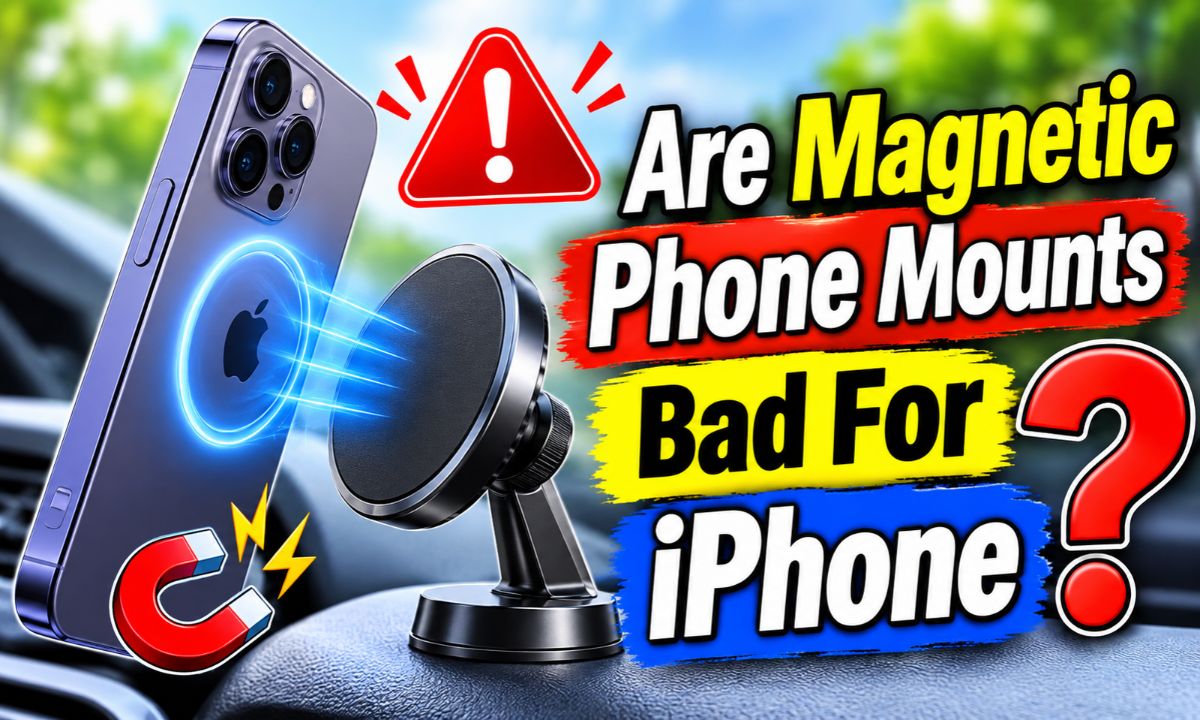
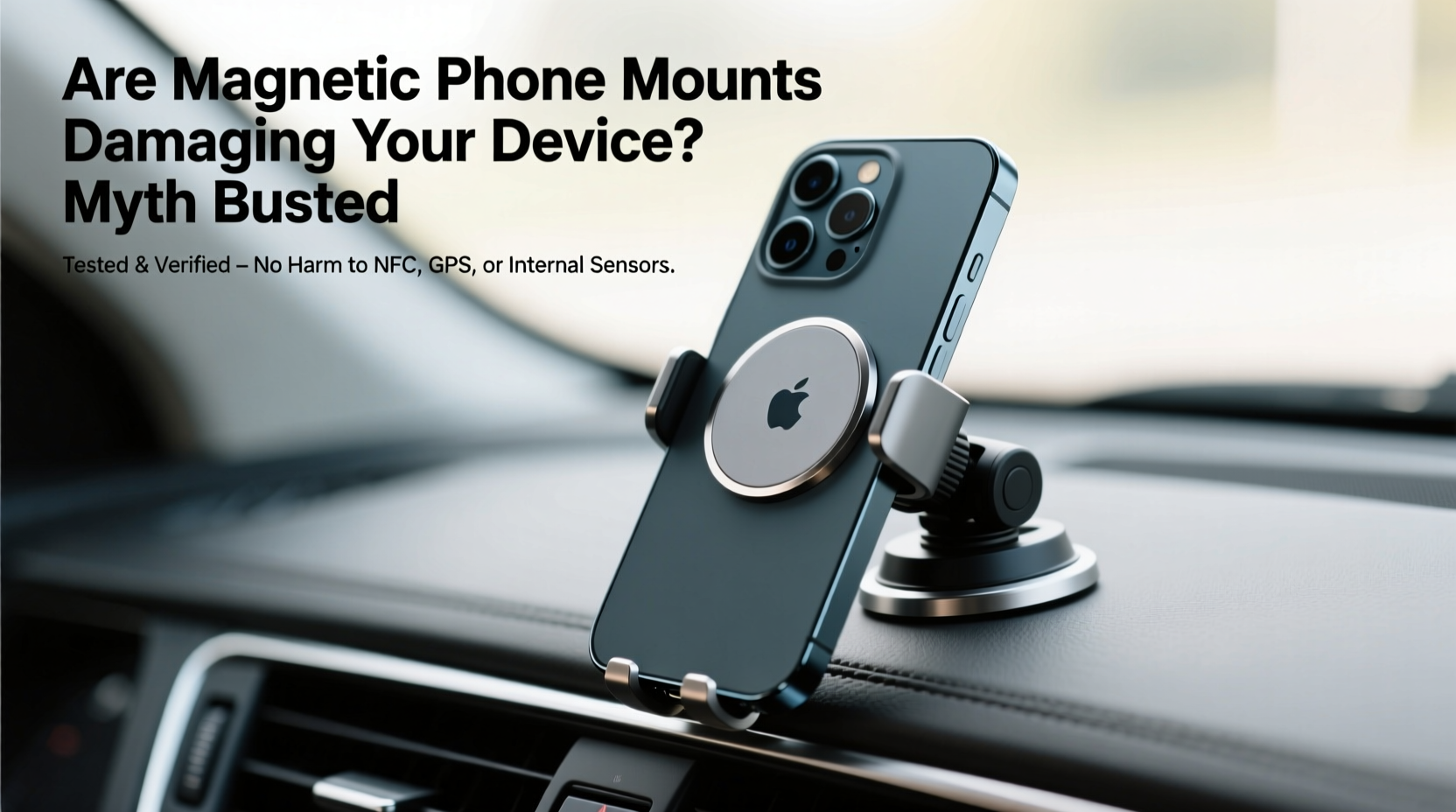
Magnetic phone mounts are generally safe for iPhones, but strong magnets placed near the rear cameras can interfere with autofocus and image stabilization.
Drivers across the United States use phone mounts for GPS directions, hands-free calls, music, and road trips. Magnetic mounts are popular because they let you attach and remove an iPhone with one hand. However, some people worry that the magnets could damage their phone, affect the camera, or shorten battery life.
The answer depends on the type of mount, the strength and position of its magnets, and your iPhone model. Apple has warned that strong magnetic fields near the rear camera can affect certain camera functions. This does not mean every magnetic holder will damage your phone. A properly designed MagSafe-compatible mount can work well, provided you use it as intended.
There is also a difference between temporary interference and permanent damage. A magnet may affect how a camera focuses or stabilizes an image while the accessory is close to the phone. That is not the same as proving that the mount has permanently damaged the camera. Understanding this difference can help you choose and use a mount with more confidence.
No, magnetic phone mounts are not automatically bad for iPhones. Most concerns relate to how a magnetic field interacts with certain phone components rather than the simple presence of a magnet. A well-designed mount can hold your phone without causing a general problem.
The biggest concern is the rear camera system. Apple explains that strong magnets near some camera sensors can interfere with optical image stabilization and closed-loop autofocus. These features help the camera keep images steady and maintain accurate focus.
This warning matters most when a mount places a strong magnet or metal plate near the camera area. A magnetic attachment positioned farther from the rear cameras may reduce the chance of interference, but distance alone does not guarantee compatibility.
It is also worth separating magnetic mounting from magnetic wireless charging. MagSafe uses magnets to align supported iPhones and compatible accessories. Apple designed this system for normal use, so a compatible MagSafe accessory is not automatically harmful just because it contains magnets.
Source: s.alicdn.com
Camera interference
Strong magnetic fields near the rear camera can affect autofocus and optical image stabilization on supported iPhone models.
Battery health
A passive magnetic holder does not directly consume battery power or prove that battery health will decline.
Wireless charging
A compatible magnetic charging mount can align the charging coil, but poor alignment or excess heat can reduce charging performance.
Physical safety
A weak mount can let the phone fall, while a poorly fitted metal plate or rough surface can scratch the case.
Does Every iPhone Have the Same Magnetic Risk?
No. Camera systems vary between iPhone models. Apple documents optical image stabilization on the iPhone 6 Plus, iPhone 6s Plus, and iPhone 7 and later, including the second- and third-generation iPhone SE. Closed-loop autofocus is available on the iPhone XS and later, including those same SE generations.
Different rear camera lenses may also have different stabilization features. For example, Apple’s guidance explains that the Ultra Wide camera on iPhone 11 and later does not have OIS. This means the effect of magnetic interference can depend on which camera you use.
Do not assume that an older iPhone is completely immune to magnetic interference. Its compass and other components may still respond to magnetic fields. Check the specifications and support guidance for your exact model.
Newer models
Check the rear camera arrangement and the accessory’s magnet placement before use.
Older models
Do not assume that an older camera or compass cannot be affected by a strong nearby magnet.
How Magnetic Phone Mounts Can Affect an iPhone Camera
The camera is the main reason to pay attention to magnet placement. Modern iPhones use small sensors and moving parts to help produce clear photos and steady videos. A strong magnetic field close to these parts can interfere with their operation.
Apple explains that optical image stabilization uses information from a gyroscope to detect movement. The camera then adjusts its lens or other components to reduce blur. Closed-loop autofocus also uses sensors to help maintain accurate focus despite gravity and vibration.
Some of these systems rely on magnetic sensors to determine lens position. When an external magnet is placed too close, it can affect the sensors or temporarily limit their operation. The camera may still take pictures, but it may not receive the full benefit of its normal stabilization and focusing systems.
This is especially relevant when a mount uses a strong magnetic ring, a metal attachment plate, or an added magnetic case. If these parts sit close to the rear camera module, the risk of interference deserves attention.
Source: s.alicdn.com
Blurry pictures
Magnetic interference with stabilization or focus can contribute to images that look less sharp.
Focus problems
The camera may struggle to maintain focus if its autofocus system is affected.
Unsteady video
Video may lose some of the normal benefit of optical image stabilization.
Temporary sensor interference
Some magnetic effects may stop when the phone is moved away from the magnetic accessory.
Can a Magnetic Mount Permanently Damage the iPhone Camera?
Apple’s published warning describes interference with camera functions. It does not establish that every magnetic mount causes permanent camera damage. A temporary change in autofocus or stabilization should not automatically be treated as a broken camera.
However, it is not wise to ignore repeated camera problems. If your pictures become blurry only when a particular magnetic accessory is attached, stop using that setup. Remove the case, magnetic plate, wallet, and mount, then test the camera again.
If the camera continues to behave poorly after all magnetic accessories have been removed, use Apple’s camera troubleshooting guidance or contact Apple Support. A technician can help determine whether the issue comes from the camera hardware, software, or another cause.
Temporary interference
Camera behavior changes while a magnetic accessory is attached and returns to normal after removal.
Possible hardware fault
Focus or stabilization problems continue even after the magnetic accessory has been removed and basic troubleshooting has been completed.
Why Camera Placement Matters
The rear camera module is usually positioned near one corner of the iPhone. Magnetic rings and plates can sit in different places depending on the mount design. A mount that places its strongest magnetic area near the camera deserves more caution.
There is no universal safe distance that applies to every magnet and every iPhone. Magnetic strength, shape, orientation, and the phone’s internal layout all matter. Avoid products that make unsupported safety claims based only on a stated distance.
Check the magnet position
Look at the back of the phone and identify where the mount’s magnetic ring or plate will sit.
Avoid camera-adjacent plates
Do not add a metal plate or strong magnet near the rear camera simply to improve grip.
Are MagSafe Phone Mounts Safer for iPhones?
A properly designed MagSafe-compatible mount is often a sensible choice for a supported iPhone. MagSafe is Apple’s magnetic accessory system. It uses magnets built into compatible iPhones and accessories to help them attach in the correct position.
Apple introduced MagSafe with the iPhone 12 family. Supported models have an internal magnetic arrangement that allows compatible chargers, wallets, and mounts to attach to the back of the phone. This avoids the need for many stick-on metal plates used by older universal magnetic holders.
However, MagSafe compatibility does not mean that every third-party magnetic accessory has been tested or approved by Apple. A product can claim MagSafe compatibility without providing enough information about its magnetic strength, placement, or camera performance.
Apple’s accessory design guidance also addresses magnetic interference. Accessories claiming compatibility with iPhones that have autofocus or optical image stabilization should not affect those features. This is a useful standard to consider when comparing products.
Source: m.media-amazon.com
Built-in magnetic alignment
Compatible iPhones use their internal magnetic arrangement to attach to matching MagSafe accessories.
No extra metal plate needed
A suitable MagSafe mount can attach directly to a supported iPhone or compatible case.
Better accessory matching
A clearly documented MagSafe-compatible product makes it easier to check whether the accessory suits your device.
Compatibility still matters
A magnetic connection alone does not prove that a mount has no camera interference or physical safety issues.
MagSafe vs. Traditional Magnetic Phone Mounts
Traditional magnetic mounts often depend on a thin metal plate attached to the phone or placed inside its case. The plate gives the mount something to attract, but its position may be close to the camera or other sensitive components.
MagSafe uses a built-in magnetic arrangement on supported iPhones. A compatible mount can attach without requiring an extra metal plate. This makes the setup simpler and avoids one common source of camera-adjacent metal.
For an iPhone without native MagSafe support, a magnetic-compatible case may provide a practical alternative. Check the case maker’s compatibility details and make sure the magnetic ring is properly positioned.
Traditional magnetic mount
Often needs a metal plate or an added magnetic accessory attached to the phone or case.
MagSafe mount
Uses the built-in magnetic arrangement of supported iPhones and matching cases.
Universal magnetic mount
May support several phone types, but the included plate and its position need careful checking.
Which iPhones Support MagSafe?
The iPhone 12 family introduced Apple’s MagSafe system. Later supported generations also use magnetic attachment, although compatibility can vary by model and accessory. Apple’s current support pages list the models that work with its MagSafe chargers.
Some iPhones support standard Qi wireless charging without having the built-in MagSafe magnetic attachment system. These phones may still work with certain magnetic mounts when paired with a suitable magnetic case or ring, but they do not automatically have native MagSafe attachment.
Before buying a mount, check your exact iPhone model rather than relying on a general claim that it works with all iPhones.
Supported MagSafe models
Can attach directly to suitable MagSafe accessories, subject to the model and accessory specifications.
Qi-only models
May need a compatible case or mounting plate for magnetic attachment.
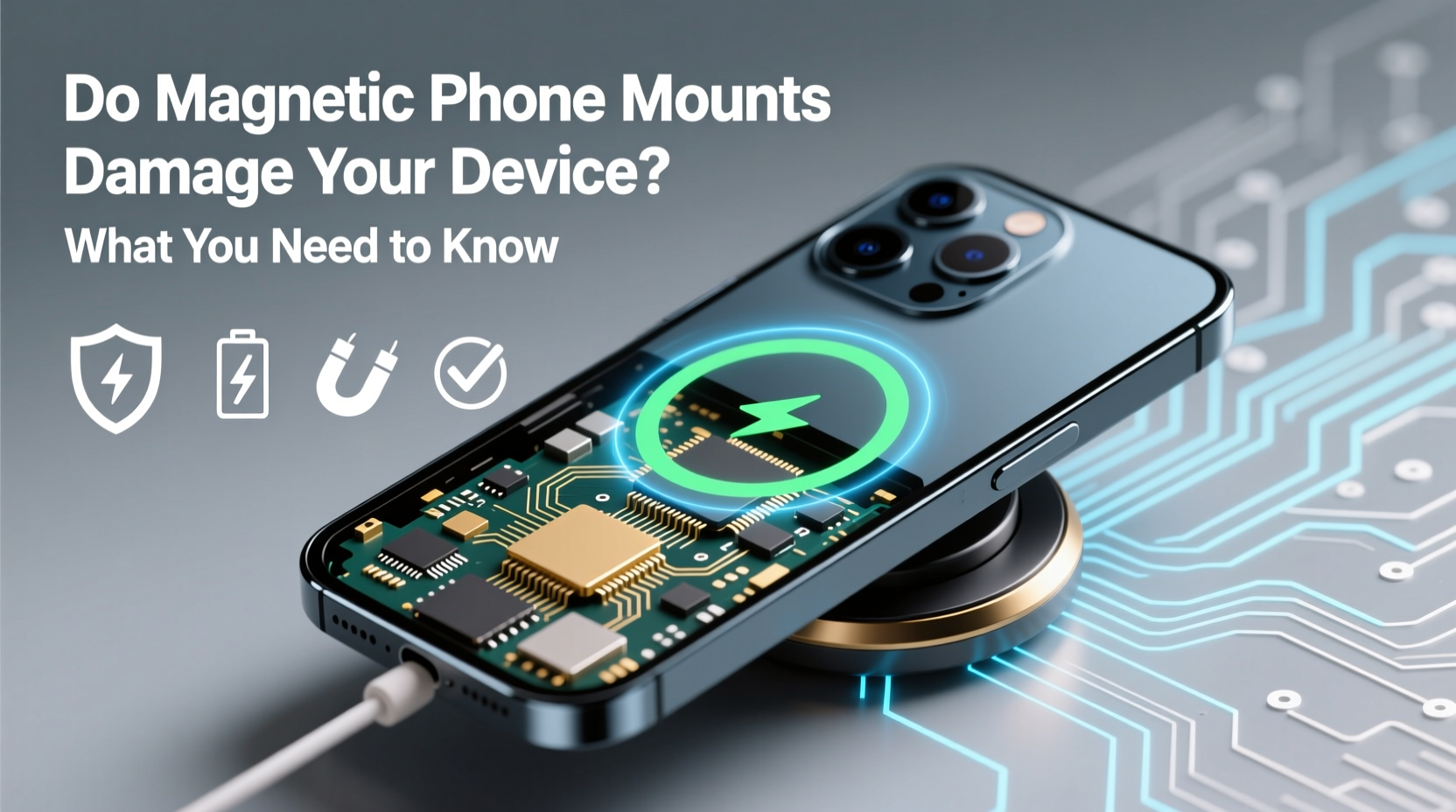
Do Magnetic Phone Mounts Affect iPhone Battery Health?
A normal magnetic phone holder does not directly drain an iPhone battery. A passive magnet does not need electrical power to hold the phone in place. Attaching your iPhone to a basic magnetic mount does not, by itself, mean the battery will lose capacity.
The situation is different when the mount includes wireless charging. A magnetic wireless charger transfers power through electromagnetic induction. The magnets help align the phone and charging coil, while the charging system supplies power to the battery.
Wireless charging can produce heat. Apple explains that an iPhone or MagSafe charger may become slightly warm during charging. If the battery becomes too warm, iOS may limit charging above 80 percent to help protect battery lifespan.
A poorly aligned charger, a thick incompatible case, or a hot vehicle can make charging less efficient. These conditions may cause extra heat or slower charging. The main concern is the charging setup and temperature, not simply the presence of a magnetic attachment.
Source: m.media-amazon.com
Passive magnetic holders
Do not use the iPhone battery to create their holding force.
Magnetic wireless chargers
Use electrical power and may create normal charging heat.
Battery temperature
Excessive heat can lead iOS to slow or pause charging.
Charging alignment
Correct alignment helps the charging system work as intended.
Can a Magnetic Mount Make an iPhone Overheat?
A passive magnetic holder is not normally a heat source. However, a magnetic wireless charging mount can warm the phone during use. Heat can become more noticeable when you combine charging, GPS navigation, mobile data, and a hot car interior.
For example, imagine driving through a hot summer afternoon in Texas with navigation running and wireless charging active. The phone is already working hard, and the dashboard may be exposed to direct sunlight. Adding wireless charging can increase the heat load.
If the iPhone displays a temperature warning, charging pauses, or the screen becomes unusually dim because of heat, stop charging and move the phone away from direct sunlight. Let it cool naturally before using it again. Do not put a hot phone in a refrigerator or freezer.
Avoid direct sunlight
Position the phone away from intense sunlight and hot dashboard surfaces when possible.
Use a suitable charger
Choose a charging mount designed for your iPhone and its supported wireless charging standard.
Remove thick cases if needed
Follow the charger manufacturer’s case guidance if charging becomes unreliable or unusually warm.
Does a Magnet Affect iPhone Battery Percentage?
A passive magnet does not directly change the battery percentage. If your battery drops while using a magnetic car mount, look at the other activities running on your phone.
GPS navigation, screen brightness, cellular data, and wireless charging all affect power use. A charger may also supply power more slowly than the phone consumes it. As a result, the battery can still lose charge even when the charging icon appears.
Test the phone with the mount removed and compare battery use under similar conditions. This can help separate normal power consumption from a charging problem.
Check power use
Review battery usage in Settings to identify apps that consume substantial energy.
Check charging
Confirm that the phone shows the charging symbol and that the charger is receiving power.
Can Magnetic Phone Mounts Affect the iPhone Compass or GPS?
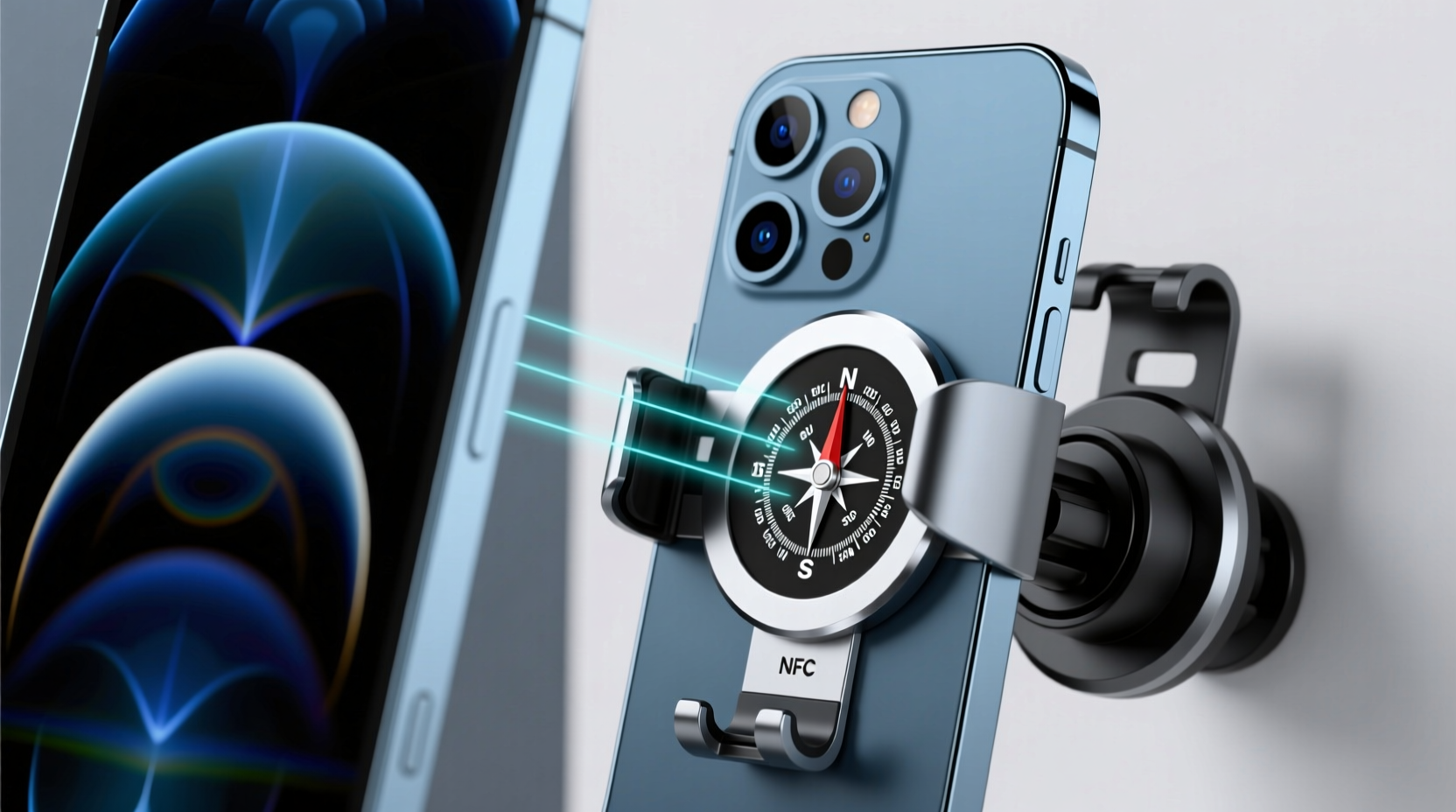
Yes, a nearby magnet can potentially affect the iPhone’s digital compass. The compass uses a magnetometer to detect magnetic fields and estimate direction. A strong external magnetic field can influence that reading.
This is different from damaging GPS hardware. GPS uses satellite signals to estimate location, while the digital compass helps determine the direction the phone is facing. A magnetic mount may affect compass direction without necessarily stopping GPS location services.
For drivers, this distinction matters. Your map may still show your location correctly, but the direction indicator could behave oddly. You might notice the map rotating unexpectedly or the heading changing when the phone is attached to a magnetic holder.
Apple’s accessory design guidance says compatible accessories should minimize interference with the digital compass and should not repeatedly trigger compass recalibration. This is another reason to choose a well-designed accessory rather than a random strong magnet.
Source: m.media-amazon.com
Compass readings
A strong nearby magnet can influence the direction detected by the digital compass.
GPS location
GPS positioning and compass direction are different functions, so a compass issue does not automatically mean GPS has failed.
Navigation behavior
Unexpected map rotation or incorrect heading can be a sign of magnetic interference.
How to Check for Compass Interference
Start by opening the Compass app on your iPhone. Check the displayed direction while the phone is away from the magnetic mount. Then move the phone near the mount and observe whether the reading changes unexpectedly.
Next, remove the phone from the holder and repeat the check. If the reading becomes stable again, the accessory may be affecting the compass. Other nearby magnetic objects can also influence the result, so do not blame the mount without checking the surroundings.
If the problem continues after removing the mount, follow Apple’s compass and location troubleshooting guidance. A software setting, calibration issue, or hardware fault may also be responsible.
Test away from the mount
Check the compass in an area away from magnetic accessories and metal objects.
Compare readings
Look for a clear difference between readings with the phone attached and detached.
Remove other magnets
Temporarily remove magnetic wallets, rings, and other accessories during the test.
Other Problems Caused by Poorly Designed Magnetic Mounts
Camera interference is not the only issue to consider. A magnetic mount can also cause practical problems if its design, installation, or materials are poor. These problems are usually related to the mount itself rather than the iPhone’s internal electronics.
A weak magnetic connection may allow the phone to slide or fall during a sharp turn. A rough metal plate can scratch the case, while a poorly fitted mount can damage a car vent or leave marks on a dashboard.
Some universal holders also use adhesive rings or plates. If you remove these accessories carelessly, they may leave residue or damage a delicate case finish. Check the removal instructions before attaching anything permanently.
Source: s.alicdn.com
Phone drops
A weak magnetic connection may fail on rough roads, during sudden braking, or when the phone is not centered.
Case scratches
Dust, dirt, rough plates, or exposed metal edges can mark the back of a phone case.
Adhesive residue
Low-quality adhesive rings may leave marks when removed.
Vent damage
An unsuitable clamp can put pressure on thin vehicle air vents.
Can a Magnetic Mount Damage the iPhone Screen?
The magnet itself is not normally a direct cause of screen scratches or cracks. Physical contact, drops, pressure, and hard particles are more relevant risks.
For example, a phone that slips off a weak mount may hit the dashboard or floor. A metal plate with rough edges may also rub against the case. If the phone has no protective case, a fall can cause more serious damage.
Use a mount with a smooth contact surface and a stable attachment. Avoid placing a loose metal plate directly against the phone without proper protection.
Use a protective case
A suitable case can reduce scratches and absorb some impact from minor drops.
Clean contact surfaces
Remove dust and small particles that may become trapped between the mount and case.
Can Magnetic Mounts Interfere With Other Phone Features?
A magnet can influence components that detect magnetic fields, but it does not automatically interfere with every wireless feature. Bluetooth, Wi-Fi, and cellular communication use radio signals rather than the same magnetic sensing method used by a digital compass.
Apple’s accessory design guidelines also discuss materials that can affect radio-frequency performance. This is a broader accessory design issue, not proof that every magnetic mount will block your phone’s signal.
If you notice poor reception, first check the case, mounting position, vehicle location, and network conditions. Compare performance with the mount removed before deciding that the magnet is responsible.
Bluetooth
A magnetic holder does not normally disable Bluetooth simply because it contains magnets.
Wi-Fi
Weak Wi-Fi can have several causes, and a mount should not be blamed without comparison testing.
Cellular service
Signal strength depends on network coverage, phone position, and other factors.
How to Use a Magnetic Phone Mount Safely With an iPhone
You can reduce common magnetic mount problems by choosing a suitable accessory and checking its position before regular use. The goal is to get a secure grip without placing strong magnets or metal components near sensitive camera parts.
Start by checking the exact iPhone model and the mount’s compatibility. If your phone supports MagSafe, consider a mount designed for its built-in magnetic system. If you use an older model, check whether the holder requires a metal plate or a magnetic case.
Before driving, make sure the mount is firmly attached to the dashboard, windshield, or air vent. Place the phone on the holder and check that it does not slide when you gently move the device. Do not test a questionable mount while driving.
Finally, check camera behavior. Take a few photos and record a short video with the accessory attached, then repeat the same test after removing it. If you see a clear change in focus or stabilization, stop using that magnetic setup.
Source: m.media-amazon.com
Step 1: Check compatibility
Confirm that the holder supports your exact iPhone model and case combination.
Step 2: Inspect magnet placement
Avoid accessories that place strong magnets or magnetic metal close to the rear camera module.
Step 3: Secure the mount
Install the holder according to its instructions and make sure the base does not move.
Step 4: Test camera performance
Compare photos, focus, and short videos with the mount attached and removed.
Step 5: Monitor charging and heat
If the mount charges your iPhone, watch for unusual heat, charging interruptions, or temperature warnings.
How to Test a Magnetic Mount Before Daily Use
A short comparison test can help you identify obvious problems before relying on a mount for daily driving. You do not need special equipment, but you should use the same lighting and camera settings for both tests.
First, remove the phone from the mount and take a photo of a stationary object with the main rear camera. Repeat the photo with the phone attached to the magnetic mount, if you can do so safely. Compare focus and sharpness on the same part of the image.
Next, record a short video while holding the phone normally, then compare it with footage recorded while the magnetic accessory is attached. Look for changes in focus, unusual movement, or other clear differences.
Repeat the process with the accessory removed. If the camera returns to normal after removal, avoid that particular setup. This is a practical screening test, not a laboratory measurement or proof that the accessory is safe under every condition.
Use the same scene
Keep the subject, lighting, and camera lens consistent when comparing images.
Check multiple functions
Look at autofocus, image stabilization, and compass behavior rather than checking only one photo.
Repeat after removal
See whether the problem disappears when the magnetic accessory is no longer attached.
What to Do if Your iPhone Camera Becomes Blurry
If your camera becomes blurry after attaching a magnetic mount, remove the phone from the holder first. Take off any magnetic case, metal plate, magnetic wallet, or extra ring that may be contributing to the problem.
Open the Camera app and test the rear cameras again. Check whether autofocus works normally and whether photos look clear. If your iPhone has several rear lenses, test each available lens separately.
Restart the iPhone if the problem continues, and check for available iOS updates. If the camera still fails after the magnetic accessories are removed, contact Apple Support or visit an authorized service provider.
Do not keep using a mount that repeatedly causes camera problems just because the phone still takes pictures. A reliable accessory should not interfere with normal camera operation.
Remove magnetic accessories
Take off the mount, case, plate, wallet, and other magnetic attachments.
Retest the camera
Check focus and stabilization after the phone is free of the accessories.
Seek support
Contact Apple if the camera problem remains or the phone displays a hardware-related warning.
How to Choose a Safe Magnetic Phone Mount for iPhone
The best magnetic mount is one that fits your iPhone, holds it securely, and does not interfere with important phone functions. A high magnet-strength claim alone is not enough to judge product quality.
Look for clear model compatibility, accurate MagSafe or Qi2 information where relevant, and a mounting design that does not require a poorly placed metal plate. Check the case thickness limits and whether the holder supports wireless charging if you need that feature.
Also consider how the mount attaches to your vehicle. A magnetic connection may hold the phone well, but the dashboard adhesive, vent clip, or windshield base must also remain stable. Both connections matter.
Read the manufacturer’s installation instructions and warranty terms. Avoid products that make broad claims such as completely risk-free or guaranteed not to affect any iPhone component without providing meaningful technical information.
Source: s.alicdn.com
Verified compatibility
Choose a product with clear information about your iPhone model and case.
Camera-conscious design
Prefer an accessory that avoids placing strong magnets or metal plates close to the rear camera.
Reliable attachment
Check the quality of the dashboard base, vent clamp, hinge, and magnetic connection.
Charging support
If charging is important, check the supported wireless charging standard and required power adapter.
Clear instructions
Look for useful setup guidance, case limits, removal instructions, and warranty details.
Magnetic Mount vs. Clamp-Style Phone Holder
A magnetic holder is convenient because you can attach and remove your phone quickly. It is useful for drivers who frequently use navigation or switch between vehicles. However, the magnetic connection must be strong enough for the phone and case combination.
A clamp-style holder uses physical arms to grip the sides of the phone. It does not depend on a magnetic connection, which can make it a useful alternative for people who want to avoid magnetic plates and rings.
The trade-off is convenience. A clamp may require two hands or more adjustment, while a magnetic holder can often be used with one hand. Neither design is automatically safer in every vehicle, so consider stability, camera clearance, and ease of use.
Magnetic holder
Offers quick attachment and removal, but requires suitable magnet placement and compatibility.
Clamp-style holder
Uses physical grips instead of magnetic attraction, but may take longer to position and remove.
Dashboard or windshield mount
Can offer a stable viewing position when correctly installed and kept within safe driving visibility.
Are Magnetic Car Mounts Safe on Bumpy Roads?
They can be safe when the mount is designed for the phone’s weight and installed correctly. However, bumps, potholes, sudden stops, and sharp turns put extra force on the phone and mounting joint.
A heavy iPhone with a thick case may need a stronger magnetic connection than a smaller phone. The car attachment also matters. A weak vent clip can move even if the magnetic connection between the phone and holder is strong.
Test the holder while the vehicle is parked. Check that the phone does not wobble, slide, or block your view of the road. Recheck the connection from time to time, especially after changing the phone case.
Check the weight limit
Make sure the mount can support the phone and case together.
Inspect the vehicle attachment
Confirm that the vent clip or dashboard base is secure.
Keep visibility clear
Place the phone where it does not block the windshield, mirrors, or important vehicle controls.
Common Myths About Magnetic Phone Mounts
Many concerns about magnetic phone holders come from mixing up different types of magnetic accessories. A passive holder, a wireless charger, a MagSafe wallet, and a magnetic metal plate do not all work in the same way.
Understanding the differences makes it easier to decide which risks are real and which claims need more evidence. Here are several common misconceptions worth clearing up.
Source: s.alicdn.com
Myth: Every magnet damages an iPhone
Fact: Apple supports magnetic accessories through MagSafe. The concern is the placement and strength of magnets near sensitive components.
Myth: Magnets erase photos and files
Fact: Ordinary magnetic phone mounts do not erase iPhone storage. Modern flash storage does not work like old magnetic hard drives.
Myth: A magnetic holder always drains the battery
Fact: A passive holder does not directly consume battery power. A wireless charging mount is a separate powered accessory.
Myth: MagSafe accessories are automatically harmful
Fact: MagSafe is designed for compatible iPhones. Individual third-party accessories still need proper design and placement.
Myth: Magnets always block GPS
Fact: A magnetic field can affect the digital compass, but GPS positioning is a separate function.
Can Magnets Erase iPhone Data?
No, an ordinary magnetic phone mount will not erase the photos, videos, contacts, or apps stored on your iPhone. Modern iPhones use flash-based storage rather than magnetic hard drives.
The warning about magnetic interference is mainly related to components that use magnetic sensing, such as certain camera systems and the digital compass. It should not be confused with the risk of erasing data.
You should still back up your iPhone regularly. Backups protect your files against accidental deletion, software problems, theft, and physical damage, regardless of whether you use a magnetic mount.
Photos and videos
A normal magnetic phone holder does not erase stored media.
Contacts and apps
The magnetic field from an ordinary phone mount does not normally remove stored app data or contacts.
Can You Use a Magnetic Mount With a Phone Case?
Yes, many magnetic mounts work with phone cases. The important point is whether the case supports the mount’s magnetic system and whether its thickness reduces the holding force.
A MagSafe-compatible case is usually the straightforward option for an iPhone that supports MagSafe. A standard case may need a compatible magnetic ring or plate, but check where that component sits before attaching it.
Avoid stacking several magnetic rings, metal plates, and wallets on the back of the phone. Extra layers can weaken the connection, affect charging alignment, or place magnetic material too close to the rear camera.
MagSafe case
Designed to work with compatible magnetic accessories.
Standard case
May need an additional magnetic attachment, depending on the holder.
Very thick case
May weaken the magnetic connection or interfere with wireless charging.
Frequently Asked Questions
Q
Are magnetic phone mounts bad for iPhone camera quality?
They can affect camera performance if strong magnets or magnetic metal are placed too close to the rear camera system. Apple warns that magnetic fields can interfere with optical image stabilization and closed-loop autofocus on supported iPhones.
This does not mean every magnetic holder will cause blurry photos. Choose an accessory with suitable magnet placement and remove it if you notice changes in focus or stabilization.
Q
Can I leave my iPhone on a magnetic car mount all day?
You can use a suitable magnetic mount for extended periods if it is compatible with your phone and installed correctly. A passive holder does not directly drain the battery.
If the mount includes wireless charging, monitor the phone’s temperature. Avoid leaving the iPhone in direct sunlight or a very hot vehicle, especially while charging.
Q
Are MagSafe mounts safer than regular magnetic mounts?
A properly designed MagSafe-compatible mount can be a convenient option because supported iPhones have built-in magnets and do not need an added metal plate. This avoids one common source of magnetic material near the rear camera.
However, MagSafe compatibility does not automatically guarantee that every third-party mount is free from camera interference. Check the accessory’s design and compatibility information.
Q
Can a magnetic phone mount damage an iPhone battery?
A passive magnetic holder does not directly damage or drain the battery. It simply holds the phone in place without using electrical power.
A magnetic wireless charging mount is different. Wireless charging can create heat, and prolonged excessive heat can affect battery lifespan. Use a suitable charger and avoid charging in very hot conditions.
Q
Do magnetic phone holders interfere with GPS navigation?
A strong magnet may affect the iPhone’s digital compass, which helps determine the direction the phone is facing. This can cause an incorrect heading or unexpected map rotation.
GPS location and compass direction are separate functions. Your phone may still determine its location even if the compass reading is affected. Remove the magnetic accessory and compare the readings if you notice a problem.
Q
Can I put a metal plate inside my iPhone case for a magnetic mount?
You can use a metal plate if the mount manufacturer supports that setup, but placement matters. Apple advises avoiding magnets and magnetizable metal near the rear camera for the best camera performance.
Check the plate’s position, avoid placing it near the camera module, and make sure it does not interfere with wireless charging. A compatible MagSafe case may be a simpler option for supported iPhones.
Q
What should I do if my iPhone camera stops focusing after using a magnetic mount?
Remove the phone from the mount and take off any magnetic case, plate, wallet, or other accessory. Open the Camera app and test the rear cameras again.
If the camera works normally after removing the accessories, stop using that magnetic setup. If the problem continues, restart the phone, check for software updates, and contact Apple Support if necessary.
✦ Wrapping Up
Conclusion
So, are magnetic phone mounts bad for iPhone? Not necessarily. A suitable magnetic holder can be a practical way to keep your phone in place while driving, working, or using navigation. MagSafe also provides a built-in magnetic attachment system for supported iPhones.
The main concern is magnetic interference with the rear camera. Apple specifically warns that strong magnets and magnetizable metal near the camera can affect optical image stabilization and closed-loop autofocus. A magnetic accessory can also influence compass readings, depending on its design and position.
Battery problems are usually a separate issue. A passive holder does not directly drain the battery, but a wireless charging mount can produce heat. Good alignment, proper compatibility, and sensible temperature control help keep charging reliable.
You do not need to avoid every magnetic phone holder. Choose one that suits your iPhone, avoids unnecessary metal plates near the camera, and stays firmly attached to your vehicle. If you notice blurry photos, focus problems, unusual compass behavior, or excessive heat, remove the accessory and investigate the cause.
💡 Key Takeaway
Choose a well-designed MagSafe-compatible mount for supported iPhones, avoid strong magnets near the rear camera, test camera and compass performance, and stop using any accessory that causes repeated problems.